For Android, made for foldables
Sorting your photos is no longer a chore.
Sort, clean up, compare and edit your photos on your phone. Made for foldables, comfortable on any phone.
- No account
- No ads
- Works offline
- Android 12 or newer
 CameraScreenshotsTripsFamilyRecipesPets
01Sort
A whole day into an album, with one tap.
Tap the day's circle and all its photos are selected. Then pick the album.
Copy or move
The last album you used stays close at hand.
Favorites and Videos, one tap away
The row at the top of Day also leads to Trips and Stories.
Pinch to see months and years
The rail on the edge jumps to any date.

Add to an album
02Clean up
Free up space without losing what matters.
Repeated photos and near-identical shots, grouped. You decide, photo by photo, which one stays and which one goes.
“Stays” or “Goes”, under each photo
Similar shots never go unless you choose so.
Exact copies, by folder
Copies in your own albums are never pre-marked.
Storage
How much photos, videos, screenshots and chats take up, and what to clear from WhatsApp and Telegram.
Whatever goes ends up in the system trash for 30 days, and you can undo.
Mark nothing and they all stay.
Suggested · SharperMotion blurStorage
Favorites and photos in your own albums are never suggested.
03Compare
Two photos, face to face.
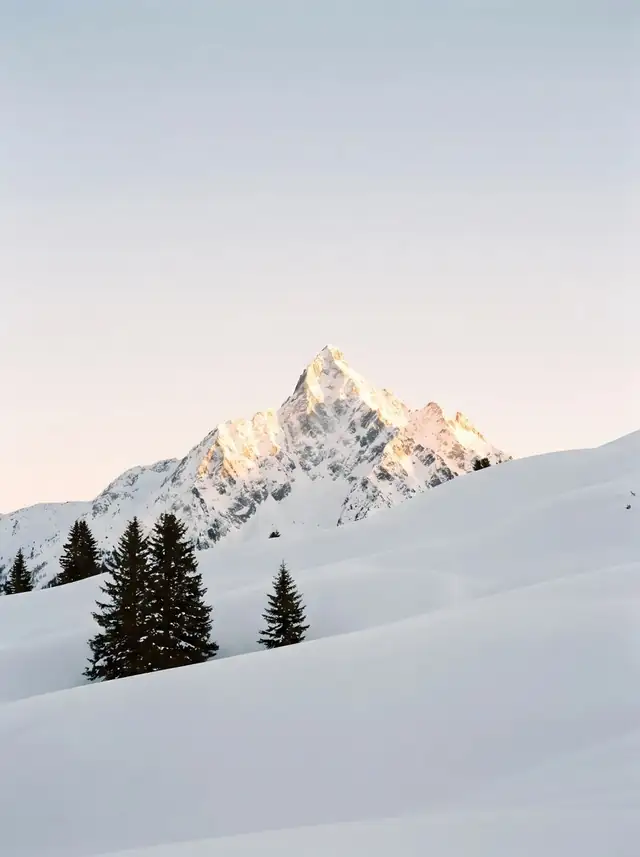
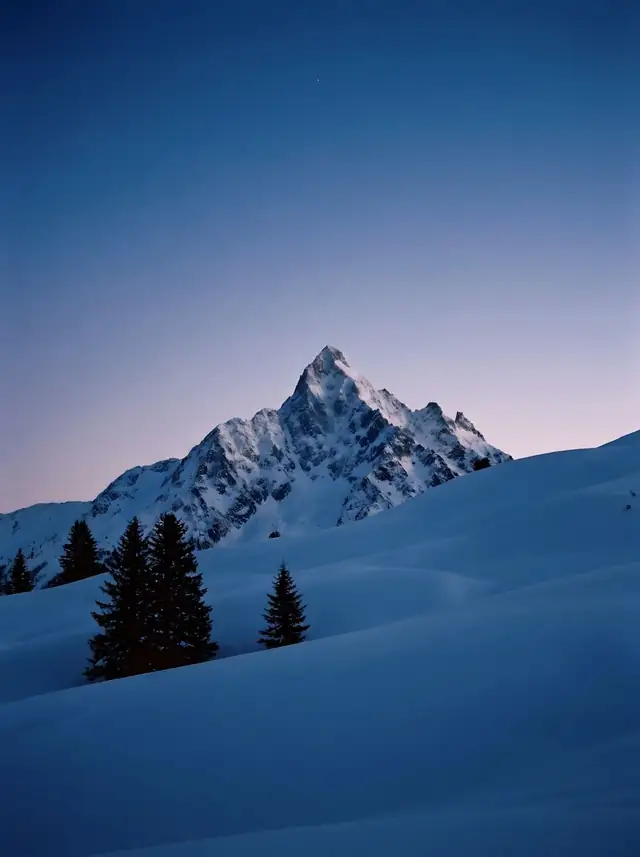
Pick two photos and tap Compare. You see them side by side, and when you zoom into one, the other follows.
Two
Side by side, with linked zoom.
Bar
When reviewing duplicates, slide from one to the other over the same frame.
Keep one
The other goes to the trash, and you can undo.
 AB
04Edit
Edit your photos and hide data before sharing.
Crop, light, color, mark up and redact, in one editor. You can trim videos too.
Hide data
The app finds the text and covers it with a solid block. Tap a block to remove it.
No traces
The covered copy keeps no location and no copy of the original photo.
Crop and straighten
“No bars” removes the status and navigation bars from a screenshot.
Your original stays safe
Save a copy with the same date, or replace it and go back to the original from Details.
Receipt
2 covered · tap a block to edit or remove
05Share
Share without giving away where you were.
What you share goes out without location, always: photos, videos and motion photos. It's removed from the copy; your original stays untouched.
No questions asked
The share icon shows it. If the photo has a location and you want to send it, "Include location" is in the share sheet.
When another app asks for a photo
In a form or a chat, Lamina Gallery shows up to pick it and hands it over without location.
Redact and share
Cover what you don't want shown and share the copy without saving it, from other apps too.
Share imageNo location
06Foldables
On a foldable, each half has its job.
Open, the grid and the photo sit side by side. With another app on the other half, you drag photos across and they arrive without location. Half-folded, the photo stays on top and the controls below. Nothing lands on the fold.
Suggested · SharperMotion blurThe photo on top; the strip and the buttons below, within reach.Open, a pair of similar shots reads like a book: one photo on each page.On the table, a photo frame with your pictures and the time.
07Privacy
The app has no internet permission.
You can check it in Android's permissions. It doesn't ask for an account or show ads either.
- Photos and videos — required, to show and sort them.
- Photo location — optional, to show the place in the details, your day and your trips.
- Media management apps — optional, to move photos and send them to the trash without confirming each time.
If a feature ever needs a connection, it will be optional and start off.
Privacy policyAnd also
Search what's in the photo
Also its text, the city or the date: “dog”, “invoice”, “March 2024”.
Your day and your trips
The route on a map, from the location your photos already store.
Stories
From a year ago, a trip or a month. Save the ones you like.
Frame mode
Your phone as a photo frame, with the time.
Slideshow
Full screen, one photo after another.
Copy text and read QR codes
Copy the text in a photo or open what a code holds.
Create PDF
Put several photos into a PDF, in the order you want.
Add to an album from the viewer
Copy or move the photo you're looking at.
Fix date and place
For photos that ended up with the wrong date or place.
Google Play Services downloads the search models; your photos are analyzed on your phone.
Try it before anyone else.
Lamina Gallery is in closed testing on Google Play: free, for Android 12 or newer. It takes two steps.
- 1
Join the beta group with your Google account. That's what unlocks the test.
Join the group - 2
Open the test link, tap "Become a tester" and download Lamina Gallery from Google Play.
Go to the test
Use the same Google account in both steps and on your phone. If you stay for at least two weeks, you help us launch for everyone.